Try These Hacks When Your Car Key Fob Stops Working: 9 Simple Fixes Every Driver Should Know
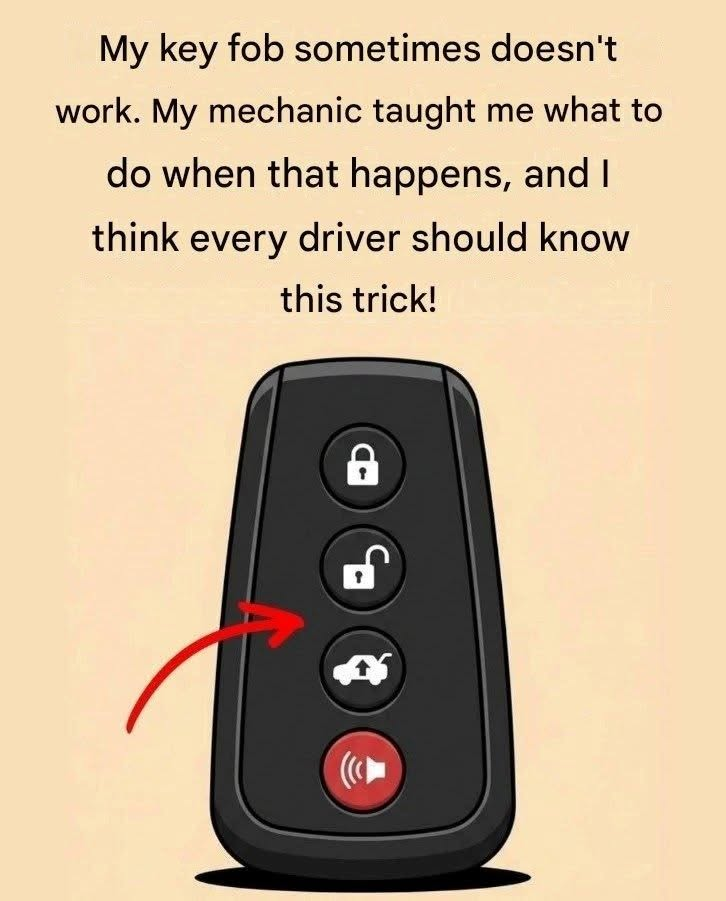
Few things are more frustrating than pressing your car key fob and discovering that nothing happens. You press the unlock button again, move closer to the vehicle, and try one more time—but the doors remain locked.
Before assuming that your key fob is broken or that you need an expensive replacement, there are several simple troubleshooting steps worth trying.
A key fob can stop working because of a weak battery, radio interference, a problem with the vehicle’s battery, damaged electronics, or an issue with the remote’s programming. Fortunately, some of these problems can be resolved in just a few minutes.
The important thing is to identify the likely cause rather than repeatedly pressing buttons or trying random tricks.
Here are nine practical ways to troubleshoot a car key fob that suddenly stops working, including what to do if you are locked out or cannot start your vehicle.
1. Try the Key Fob Closer to the Car
One of the easiest things to try is moving closer to your vehicle.
Most remote key fobs communicate with a car using radio signals. The distance over which the signal works depends on the vehicle, the key design, the battery condition, and the surrounding environment.
If the battery is becoming weak, the remote may work only when you stand close to the car.
Try standing near the driver’s door and pressing the unlock button once.
If the vehicle responds from a short distance but not from farther away, a weak key-fob battery is one possible explanation.
However, reduced range can also result from radio interference or a problem with the remote itself.
What to do: If moving closer helps, replace the fob battery if appropriate for your model and test the remote again.
Do not assume that every failure is caused by the battery. If a fresh, correctly installed battery does not solve the problem, continue troubleshooting.
2. Replace the Key Fob Battery
A weak or depleted battery is one of the most common reasons a key fob stops working.
The battery supplies power to the small electronic circuit that sends the remote’s signal to the vehicle. As the battery weakens, the signal may become unreliable or disappear entirely.
Some vehicles display a dashboard warning when the key-fob battery is low. Others provide no warning before the remote stops responding.
How to replace the battery
The exact procedure varies by key design, but many key fobs can be opened without specialist equipment.
Check the vehicle owner’s manual for the correct battery type and replacement instructions.
Look for a small release button, slot, or seam in the fob’s casing.
If the fob contains an emergency mechanical key, remove it according to the manufacturer’s instructions.
Open the casing carefully, using the recommended tool and avoiding damage to the plastic clips.
Remove the old battery and note its orientation.
Install a new battery of the specified type, making sure the positive and negative sides are positioned correctly.
Close the casing securely and test the buttons.
Many key fobs use coin-cell batteries such as CR2032 or CR2025, but these are not interchangeable in every device. Always check the required specification rather than guessing.
Avoid touching the electronic circuit or battery contacts unnecessarily.
Important: Keep coin-cell batteries away from children. If swallowed, they can cause severe internal injuries in a short time and require immediate emergency medical attention.
If your key fob is sealed, damaged, or difficult to open, consult a qualified automotive technician rather than forcing it apart.
3. Use the Hidden Mechanical Key
Many drivers forget that a modern remote key often contains a traditional mechanical key.
This key can provide access when the remote battery is dead or the electronic system is not responding.
Look for a small release switch on the fob. Depending on the design, pressing it may allow a metal key blade to slide out.
Some vehicles have a visible lock cylinder on the driver’s door. Others conceal it beneath a small cover near the door handle.
The owner’s manual explains where to find the lock and how to remove any cover safely.
Insert the mechanical key into the lock and turn it gently.
Do not force the key if it does not turn. A stiff or unfamiliar lock may require a different procedure, and excessive force can break the key or damage the lock.
What if the alarm starts?
On some vehicles, manually unlocking the door can activate the alarm because the vehicle has not received the expected electronic authorization.
This does not necessarily mean the car is damaged.
Follow the manufacturer’s instructions for disarming the alarm, which may involve using the recognized key or placing the smart key in a designated location inside the vehicle.
The precise procedure depends on the model.
Knowing how to access the mechanical key before an emergency can save considerable frustration.
4. Try the Emergency Starting Procedure
A key fob with a depleted battery does not necessarily mean that the vehicle cannot start.
Many vehicles with push-button ignition have a backup method for recognizing a smart key when its battery is weak or dead.
Depending on the manufacturer, the procedure may require you to:
Hold the fob close to the engine start button.
Touch the start button with the fob.
Place the fob in a designated slot or storage compartment.
Position the fob near a specific area of the center console.
Follow a message displayed on the instrument panel.
For example, some vehicles allow the driver to press the engine start button with the smart key itself while holding the brake pedal. Other models require the key to be placed in a specific recognition area.
There is no universal method that works for every car.
Check your owner’s manual for the exact emergency-start procedure for your vehicle.
If the vehicle still does not recognize the key, the issue may involve the vehicle’s battery, the key’s electronics, the immobilizer system, or another fault.
Do not repeatedly attempt to start the engine if the dashboard displays an immobilizer or key-recognition warning that you cannot resolve.
5. Move the Key Away From Your Phone and Other Electronics